
Quick answer
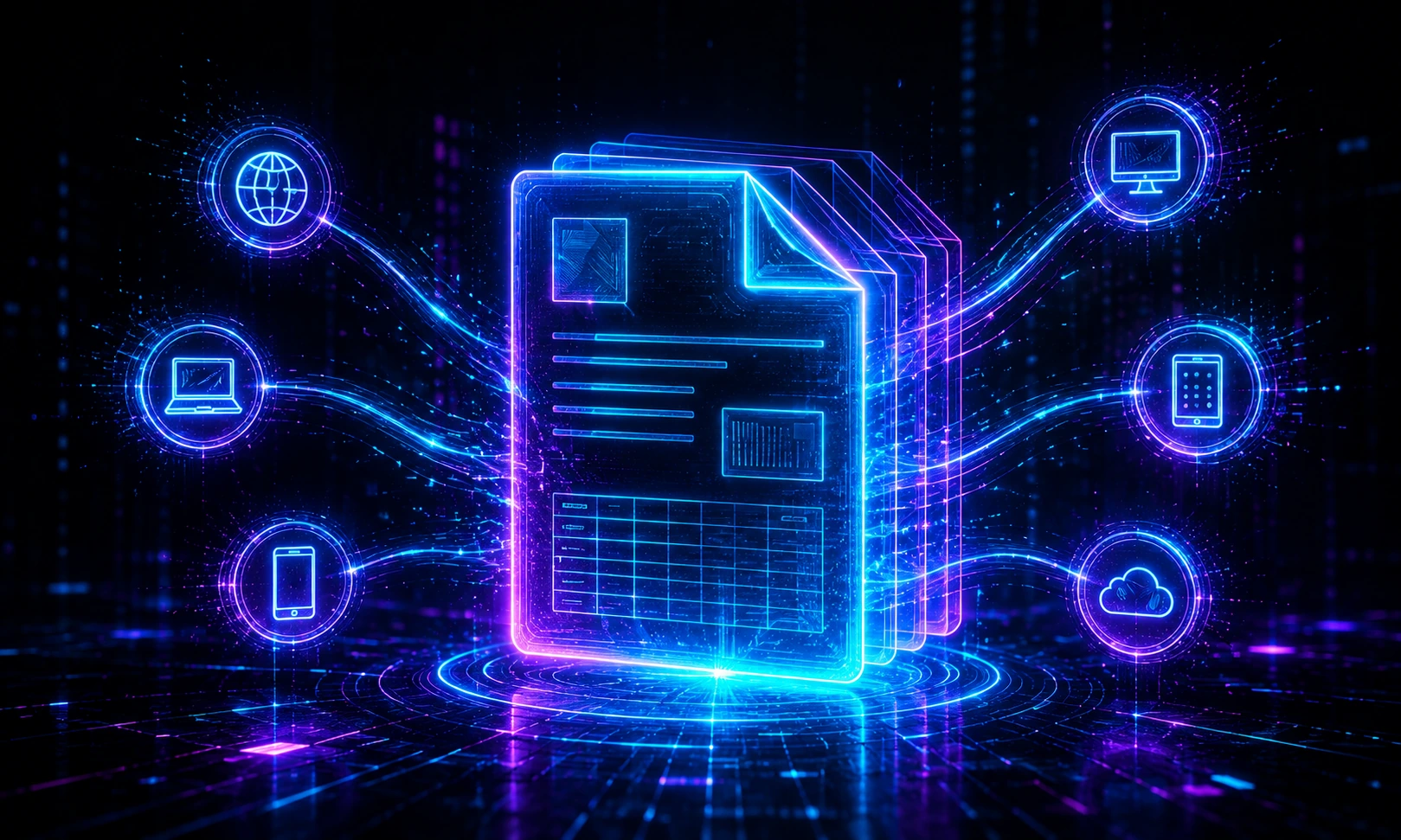
PDF stands for Portable Document Format. It is a file format designed to preserve a document’s layout, fonts, images and structure so it looks consistent on different devices and operating systems.
A PDF helps ensure that a file looks the same when opened on Windows, Mac, mobile devices or in a browser.
Why PDFs exist
Documents often break when shared in editable formats like Word files. Fonts can change, spacing can shift and pagination may move. PDFs solve that by packaging the content into a more stable format.
What can a PDF contain?
- Text and typography
- Images and graphics
- Links and bookmarks
- Tables and forms
- Multiple pages in one file
Common PDF use cases
- Contracts and business documents
- Invoices and receipts
- Reports and presentations
- Scanned paperwork
- Guides, manuals and ebooks
Benefits of PDF files
PDFs are easy to share, print and archive. They are also useful when you want to lock down the final layout of a document before sending it to someone else.
- Consistent appearance
- Broad compatibility
- Good for printing
- Supports signatures, forms and annotations
- Easy to combine and organize
PDF vs image files
A PDF can contain many pages and mixed content, while JPG or PNG files are usually single images. If you need a multi-page document, PDF is usually the better choice. If you need to post a quick visual online, JPG or PNG may be more convenient.
FAQ
What does PDF stand for?
PDF stands for Portable Document Format.
Can a PDF have multiple pages?
Yes. A PDF can include one or many pages in a single file.
Can I convert PDF files online?
Yes. You can merge, split, compress and convert PDFs with browser-based tools.