
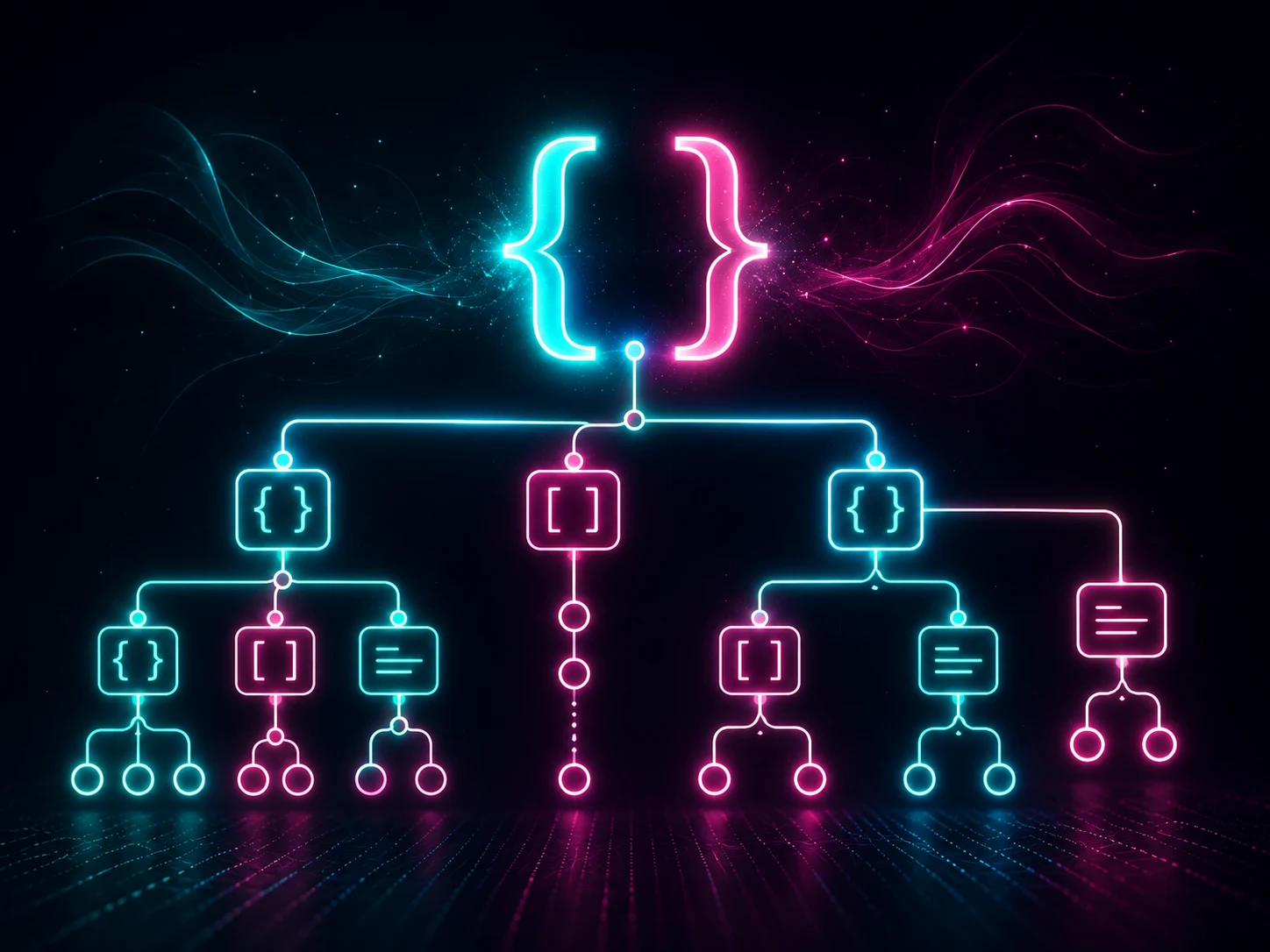
What is JSON formatting?
JSON formatting means arranging JSON data with indentation, line breaks and consistent spacing so it becomes easier to read. The data itself stays the same, but the structure becomes clearer.
After formatting:
Why developers format JSON
- To inspect API responses.
- To debug configuration files.
- To find missing commas or brackets.
- To compare structured data.
- To make logs easier to read.
Formatting vs validation
Formatting changes how JSON looks. Validation checks whether the JSON is correct. Invalid JSON cannot be safely formatted until syntax errors are fixed.
- Formatter: makes valid JSON readable.
- Validator: checks if JSON syntax is correct.
- Viewer: helps explore nested objects and arrays.
Common JSON errors
- Missing comma between properties.
- Trailing comma after the last item.
- Using single quotes instead of double quotes.
- Unclosed braces or brackets.
- Unescaped special characters in strings.
When to minify JSON
Pretty JSON is best for humans. Minified JSON is better for production when you want smaller payloads. Many workflows use both: formatted during development and minified before deployment.
Privacy tip
When using an online JSON formatter, avoid pasting secrets such as passwords, tokens or private keys. For safer workflows, use browser-based tools that process data locally whenever possible.
FAQ
Does formatting JSON change values?
No. Formatting only changes whitespace and layout.
Why is my JSON invalid?
The most common reasons are missing commas, trailing commas, wrong quotes or unclosed brackets.
Should JSON use single or double quotes?
Valid JSON uses double quotes around object keys and string values.